Intelligent automation
Some work needs interpretation. Some simply needs to stop being repeated by hand. We use conventional automation and AI where each is appropriate.
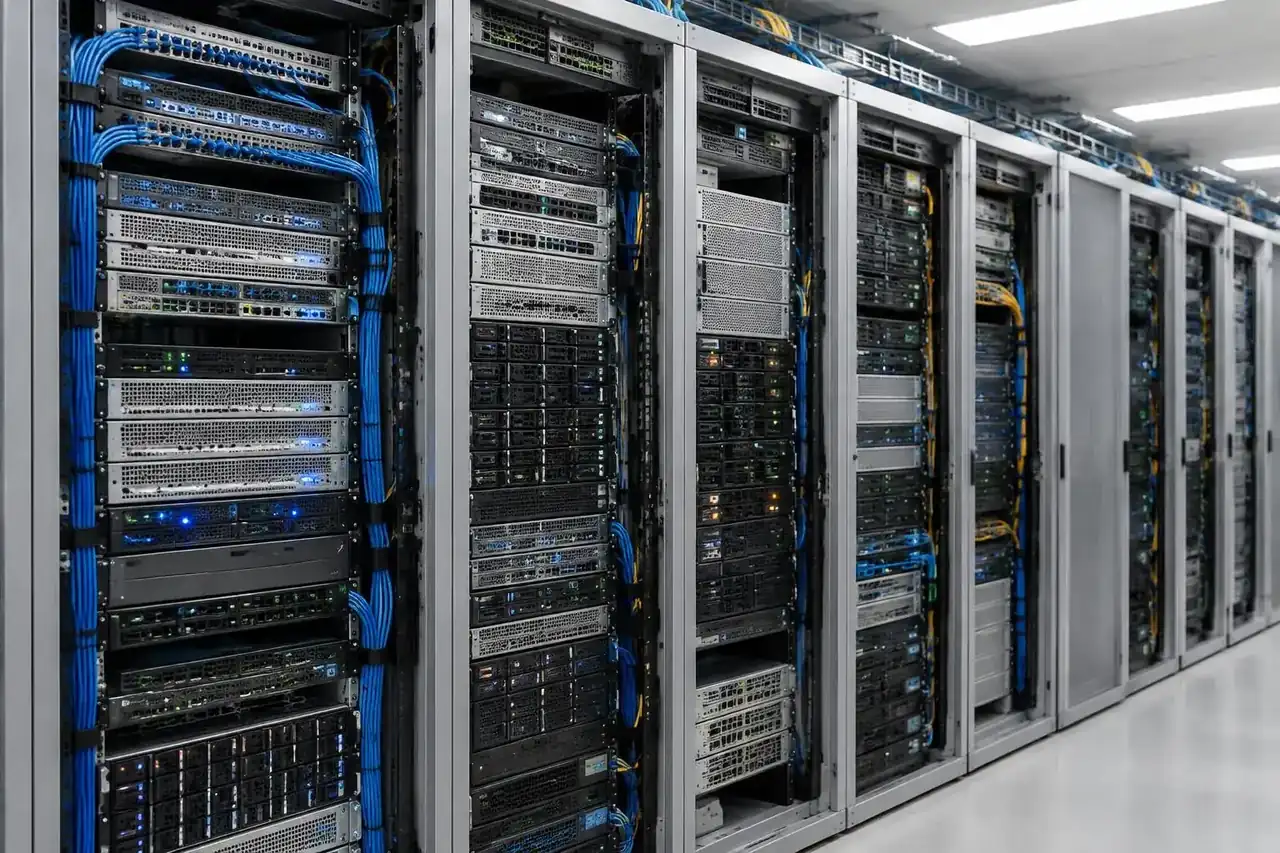
Illustrative image · not client premises
A practical delivery view
Separate rules from judgement
Stable, rule-based processes are good candidates for RPA. Documents, handwriting and exceptions may need AI and human review.
- Workflow and exception mapping
- UiPath and Power Automate
- Document-processing applications
Work across systems
Automation can connect inventory, finance and back-office work across existing applications rather than introduce another manual step.
- SAP and Salesforce integrations reviewed per project
- Data collection and consolidation
- Operational handoffs
Measure the operational change
Useful measures include turnaround time, waiting and repetitive effort. Delivered examples include parts availability moving from 15 days to 2, and approximately 150 bidders moving to QA and other work.
- Baseline and scope
- Exception handling
- Review of the resulting workflow
Automation that handles the exceptions
Classic RPA follows fixed rules, so it stops at the first unusual invoice, unreadable form or missing field. We pair RPA on UiPath and Power Automate with AI that reads documents and handwriting and sorts the unusual cases. The predictable work runs on its own, and people see only what needs judgement.
- RPA for stable, rule-based steps
- AI for documents, handwriting and classification
- People review the cases that need a decision
What this has looked like in delivered work
For one of the largest used-car dealers in the United States, we automated high-volume, high-frequency bidding on UiPath and C#. Bidding now runs in near real time, and almost 150 people who used to bid by hand moved to quality assurance and other work. For an Indian bank, we automated the processing of physical mandates and other money-transfer forms, including handwritten text in Indian regional languages. For a global manufacturer, we automated inventory, finance and data consolidation across countries, working with SAP, Salesforce and reporting tools.
- Used-car bidding: near real time, about 150 people moved to other work
- Bank forms: handwritten regional-language text, near-zero failures since launch
- Manufacturing: cross-country parts availability from 15 days to 2
Start with one process
The quickest way to find out whether automation is worth it is to look at one process together: how often it runs, how many people touch it, where it goes wrong and which systems it crosses. A short call is enough to tell whether it suits RPA, needs AI as well, or should be left alone.
- Volume and frequency
- Errors and rework
- Systems and approvals involved
Technology in the work
 UiPath
 Power Automate
 SAP
 Salesforce
Technology references, not partnership or certification claims. Fit and access are reviewed for each engagement.
Questions that come up
What is the difference between RPA and intelligent automation?
RPA follows fixed rules to repeat steps across screens and systems. Intelligent automation adds AI, so the workflow can also read documents, interpret handwriting and route unusual cases, with people reviewing what needs judgement.
Which automation tools do you work with?
Mainly UiPath and Microsoft Power Automate, with custom code in Python and C# where a workflow needs it. Tools are chosen for each project.
Do we need to replace our existing systems?
No. Automation works across the systems you already run. Our delivered work includes workflows spanning SAP, Salesforce and reporting tools. Access and compatibility are reviewed for each engagement.
Will we get the same results as your other clients?
No result is guaranteed. The figures on this page come from specific engagements and depend on the process, the data and how the change is adopted.
Keep exploring

Let’s talk about your next step.
The workflow, the data and what needs to change.